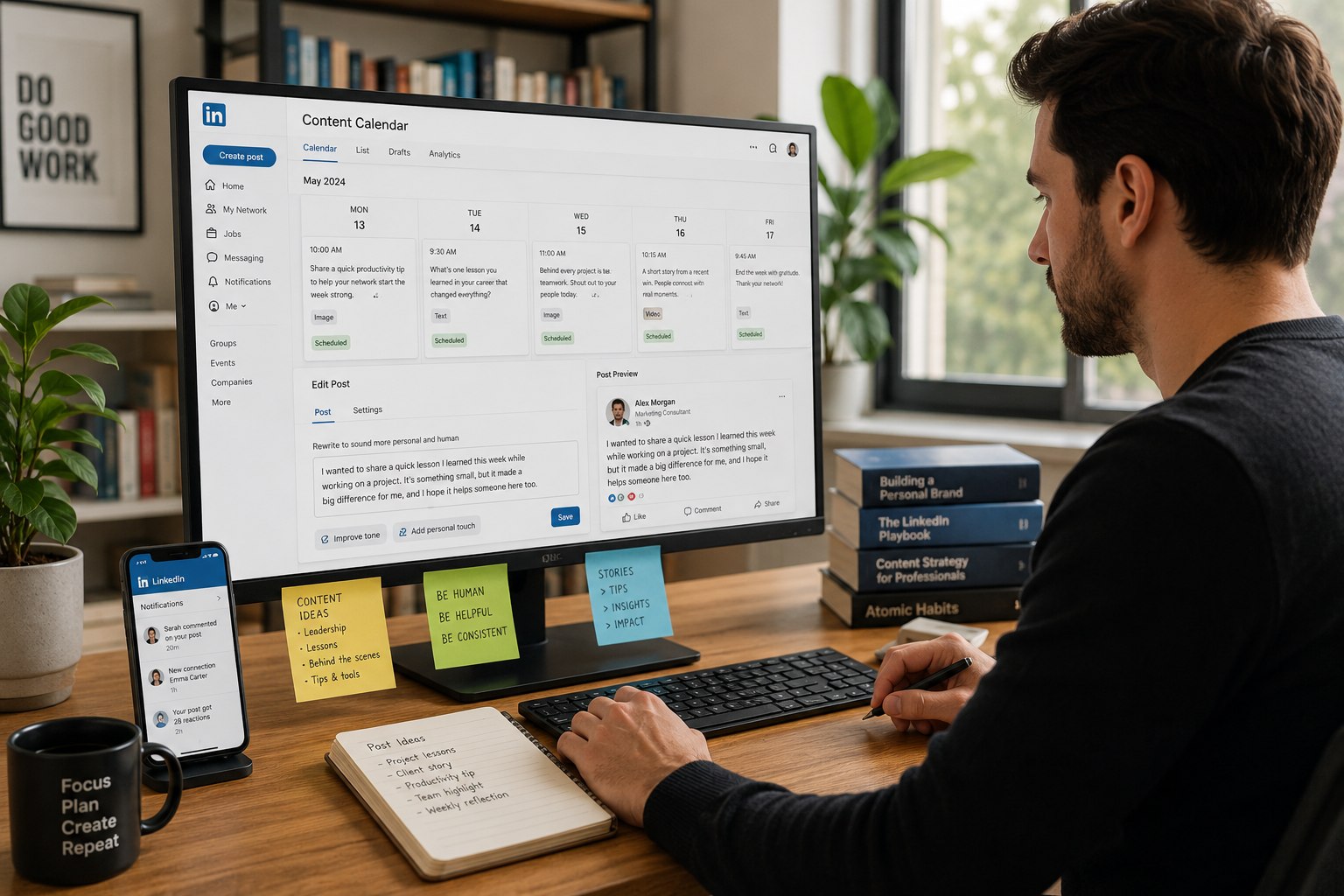
5 min
Munch Team
5 min
Munch Team
How to Use Facebook Automatically for Easy Posting
How to Use Facebook Automatically for Easy Posting
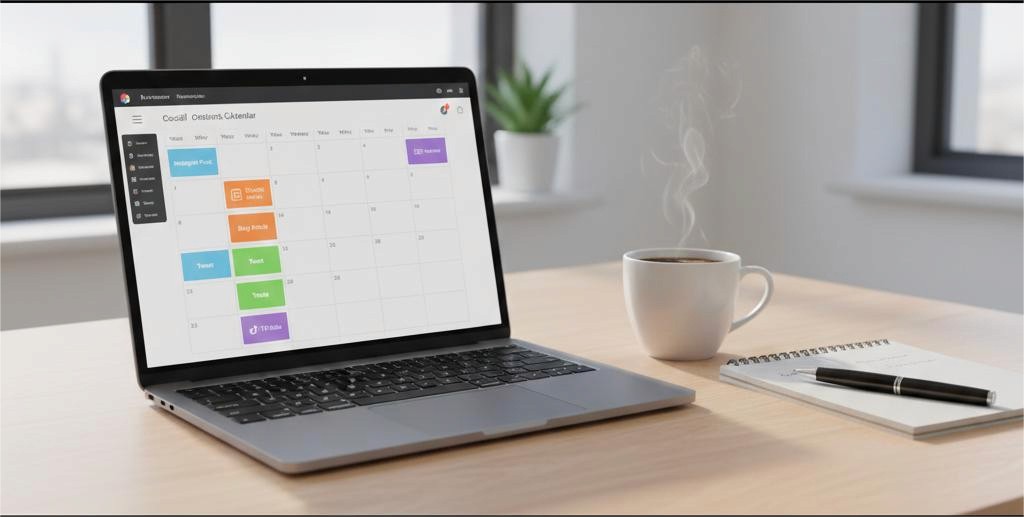
Business owners, brands, and online retailers have probably wondered if they could schedule their posts to be published automatically without spending much of their valuable time manually uploading data. Automating your posting schedule not only saves you time but allows you to stay consistent with the content that you share – which is something the Facebook algorithm rewards.
This article will cover various ways to automate your posts for Facebook, how to automate your posts, what tools are available to make the process easier, and how to successfully utilise different posting strategies for building a high volume of engagement, reach, and conversion rates.
Why Learn How to Post on Facebook Automatically?
In our new digital world, you must keep everything consistent so that customers know what to expect. Automating your marketing campaign can help you achieve that consistency regardless of whether you are launching something new, sharing user-generated content or creating a marketing campaign strategy.
Here is how posting to Facebook automatically helps you:
Keep a consistent posting schedule
Increase Engagement
Increase Productivity
Eliminate Last-Minute Content Squeeze
Grow Your Marketing with Less Effort
Many companies use a combination of content automation tools, such as Facebook Post Automation Services, Facebook ad tools, and Facebook Auto Poster Tool Integrations to create a streamlined process for posting on Facebook.
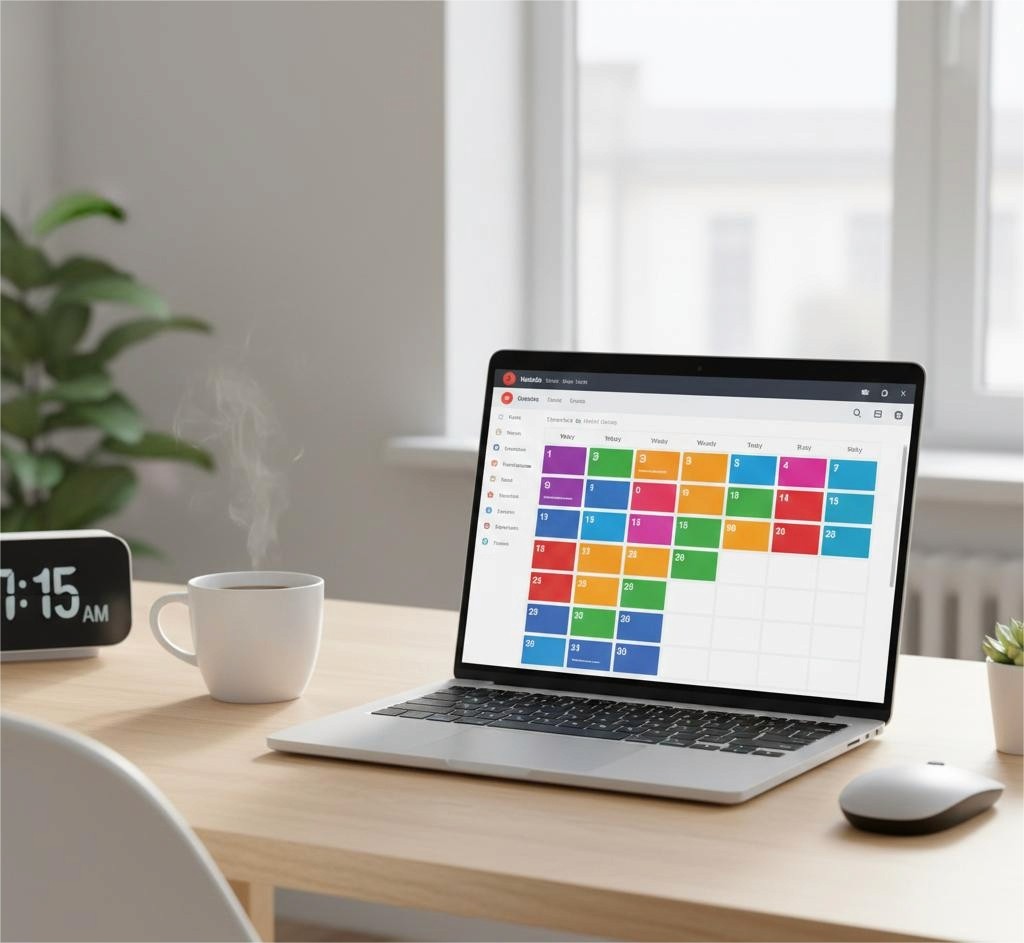
Tools That Help You Schedule Facebook Posts Automatically
Before diving into how the system works, here’s a quick comparison of commonly used automation options.
Tool Type | Best For | Features | Cost |
Facebook Business Suite | Beginners | Schedule Facebook posts automatically, insights, ad management | Free |
Third-party Facebook auto poster tool | Agencies & brands | Multi-platform posting, AI captions, workflows | Paid (varies) |
E-commerce content automation platforms | Online stores | Auto-sync product posts, CTAs, product tagging | Paid |
Step-by-Step: How to Post on Facebook Automatically
Let's begin the process in a simple way so anyone can understand the workflow.
1. Create A Content Calendar
Before you start to automate your content, you need to establish what type of content you want to post. For example: company/product highlights, customer testimonials, sharing of blog posts, and sharing of promotional content, etc., are all examples of types of content. Creating this calendar will allow you to schedule your Facebook page posts automatically with little effort on your part to guess what you’ll post next.
2. Download Your Content to a Facebook Scheduler
As you prepare your Facebook auto-scheduler, the following items need to be uploaded:
- Text (What will be written in your post)
- Images or Videos
- Hyperlinks or URLs
- Hashtags (if applicable)
Websites such as Munch Studio offer some advanced features that simplify the automation process. For those who run an eCommerce website, Munch Studio provides you with eCommerce content automation capabilities that allow you to automatically pull product descriptions, pricing, and any media assets into your scheduled posts, therefore saving time.
3. Choose Posting Days/Times
Once you have uploaded your content to your scheduler, you need to choose which days and times you would like each post to go live.
To truly become a master at how to automatically post to Facebook, you want to choose days/times that align with when your audience is most engaged and active. Audience engagement generally varies by industry, but the following is when most audiences will engage: Between the hours of 11 AM and 2 PM during weekdays; 6 PM-9 PM during the evening hours; and on weekends, especially Sunday evenings. Scheduling posts during peak engagement periods will give you the greatest chance of attracting more engagement with your content.
4. Proofread and Publish
After you have uploaded all your content to your auto-poster, proofread everything before you enable automation. You should check the following items for errors:
- Grammar
- Formatting
- Hyperlinks/URLs (do they link correctly)
- Quality of media
Once you have reviewed everything and made the necessary corrections, activate your automation. Your auto-poster will take care of everything else.
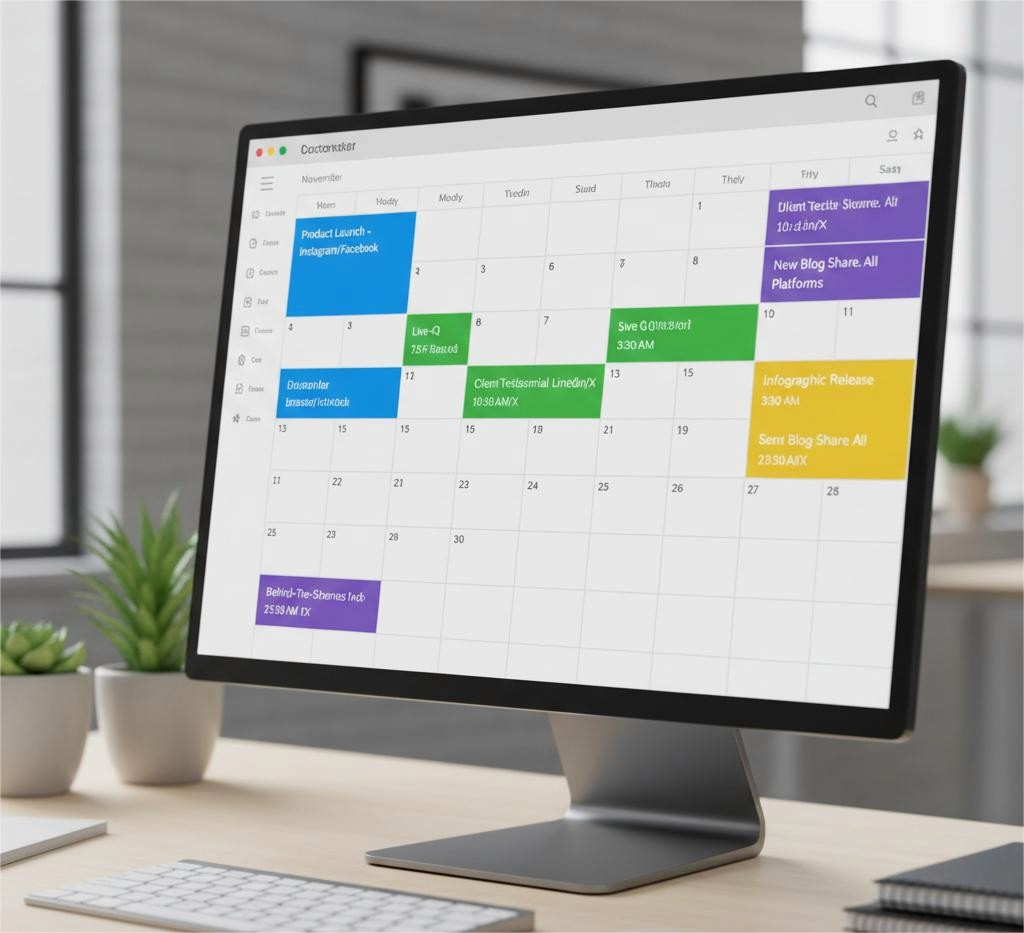
How Automation Improves Strategy and Performance
When you know how to automatically post on Facebook, you can scale your business’ marketing efforts. You’ll now have more time to spend on:
Conversing with your customers
Managing your community
Generating leads
Testing ads using the best Facebook advertising tools
Automation is not just about being less active; it’s about working more efficiently.
Automation for E-commerce and Online Stores
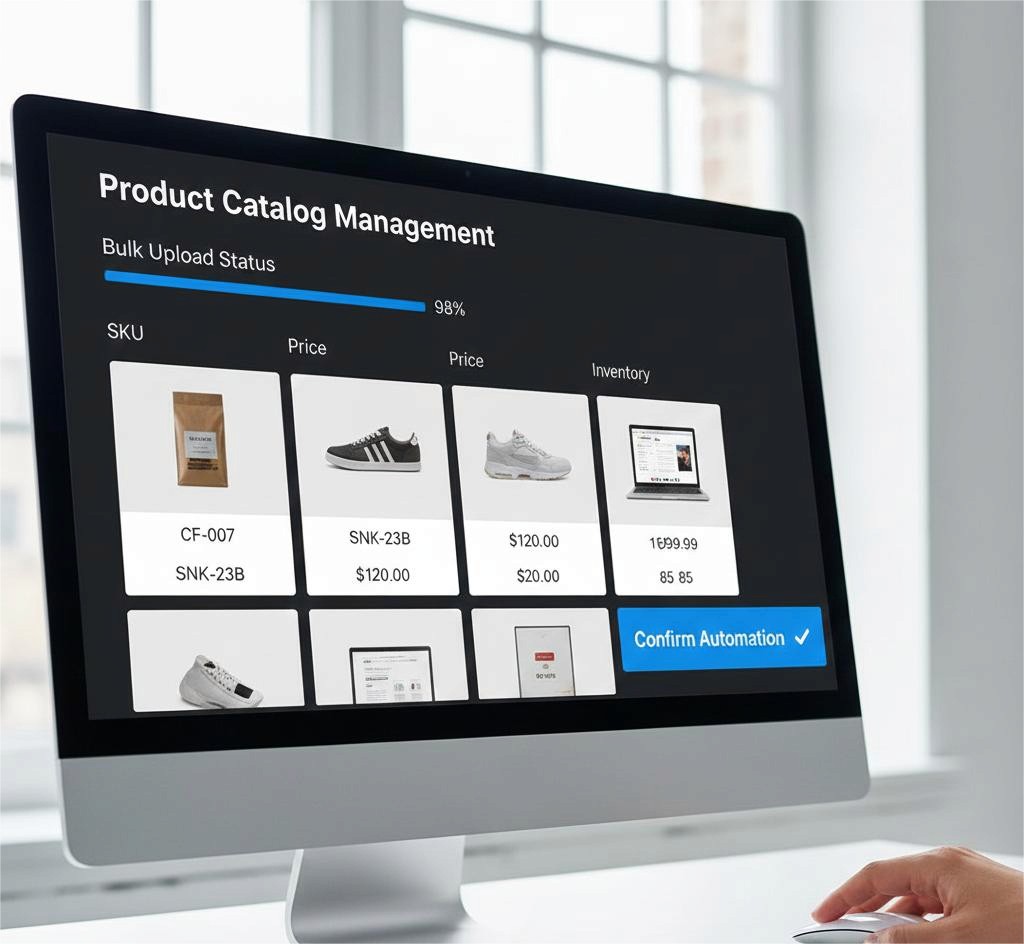
Automating your e-commerce store will fundamentally change how it operates. eCommerce content automation will:
Upload your entire product catalog at once.
Automatically generate repetitive promotional posts for your business.
Automatically generate flash sale announcements.
Connect your store's mini-Facebook shop to your marketing campaigns.
By automating your eCommerce content, you will spend less time performing these functions and maximize the conversion ratio of your eCommerce store.
Why Businesses Trust Munch Studio for Automation
Munch Studio has tools designed for businesses, content creators, and e-commerce entrepreneurs to easily increase their posting performance on Facebook through greater structure and organization of your posting approach. These powerful tools are based on sophisticated scheduling systems and even include automated posting via AI on multiple platforms.
Final Thoughts
Using automation to schedule your Facebook posts helps you consistently publish content, provides you with more free time, and improves the effectiveness of your marketing efforts through increased exposure. Posting automatically not only helps manage your social media but also allows for better use of resources when managing the platforms.
By having a good plan and using the proper tools like Munch Studio, in addition to being able to create and publish Facebook posts automatically, you will also establish a better brand presence that develops as you publish automations on the platform.
Business owners, brands, and online retailers have probably wondered if they could schedule their posts to be published automatically without spending much of their valuable time manually uploading data. Automating your posting schedule not only saves you time but allows you to stay consistent with the content that you share – which is something the Facebook algorithm rewards.
This article will cover various ways to automate your posts for Facebook, how to automate your posts, what tools are available to make the process easier, and how to successfully utilise different posting strategies for building a high volume of engagement, reach, and conversion rates.
Why Learn How to Post on Facebook Automatically?
In our new digital world, you must keep everything consistent so that customers know what to expect. Automating your marketing campaign can help you achieve that consistency regardless of whether you are launching something new, sharing user-generated content or creating a marketing campaign strategy.
Here is how posting to Facebook automatically helps you:
Keep a consistent posting schedule
Increase Engagement
Increase Productivity
Eliminate Last-Minute Content Squeeze
Grow Your Marketing with Less Effort
Many companies use a combination of content automation tools, such as Facebook Post Automation Services, Facebook ad tools, and Facebook Auto Poster Tool Integrations to create a streamlined process for posting on Facebook.
Tools That Help You Schedule Facebook Posts Automatically
Before diving into how the system works, here’s a quick comparison of commonly used automation options.
Tool Type | Best For | Features | Cost |
Facebook Business Suite | Beginners | Schedule Facebook posts automatically, insights, ad management | Free |
Third-party Facebook auto poster tool | Agencies & brands | Multi-platform posting, AI captions, workflows | Paid (varies) |
E-commerce content automation platforms | Online stores | Auto-sync product posts, CTAs, product tagging | Paid |
Step-by-Step: How to Post on Facebook Automatically
Let's begin the process in a simple way so anyone can understand the workflow.
1. Create A Content Calendar
Before you start to automate your content, you need to establish what type of content you want to post. For example: company/product highlights, customer testimonials, sharing of blog posts, and sharing of promotional content, etc., are all examples of types of content. Creating this calendar will allow you to schedule your Facebook page posts automatically with little effort on your part to guess what you’ll post next.
2. Download Your Content to a Facebook Scheduler
As you prepare your Facebook auto-scheduler, the following items need to be uploaded:
- Text (What will be written in your post)
- Images or Videos
- Hyperlinks or URLs
- Hashtags (if applicable)
Websites such as Munch Studio offer some advanced features that simplify the automation process. For those who run an eCommerce website, Munch Studio provides you with eCommerce content automation capabilities that allow you to automatically pull product descriptions, pricing, and any media assets into your scheduled posts, therefore saving time.
3. Choose Posting Days/Times
Once you have uploaded your content to your scheduler, you need to choose which days and times you would like each post to go live.
To truly become a master at how to automatically post to Facebook, you want to choose days/times that align with when your audience is most engaged and active. Audience engagement generally varies by industry, but the following is when most audiences will engage: Between the hours of 11 AM and 2 PM during weekdays; 6 PM-9 PM during the evening hours; and on weekends, especially Sunday evenings. Scheduling posts during peak engagement periods will give you the greatest chance of attracting more engagement with your content.
4. Proofread and Publish
After you have uploaded all your content to your auto-poster, proofread everything before you enable automation. You should check the following items for errors:
- Grammar
- Formatting
- Hyperlinks/URLs (do they link correctly)
- Quality of media
Once you have reviewed everything and made the necessary corrections, activate your automation. Your auto-poster will take care of everything else.
How Automation Improves Strategy and Performance
When you know how to automatically post on Facebook, you can scale your business’ marketing efforts. You’ll now have more time to spend on:
Conversing with your customers
Managing your community
Generating leads
Testing ads using the best Facebook advertising tools
Automation is not just about being less active; it’s about working more efficiently.
Automation for E-commerce and Online Stores
Automating your e-commerce store will fundamentally change how it operates. eCommerce content automation will:
Upload your entire product catalog at once.
Automatically generate repetitive promotional posts for your business.
Automatically generate flash sale announcements.
Connect your store's mini-Facebook shop to your marketing campaigns.
By automating your eCommerce content, you will spend less time performing these functions and maximize the conversion ratio of your eCommerce store.
Why Businesses Trust Munch Studio for Automation
Munch Studio has tools designed for businesses, content creators, and e-commerce entrepreneurs to easily increase their posting performance on Facebook through greater structure and organization of your posting approach. These powerful tools are based on sophisticated scheduling systems and even include automated posting via AI on multiple platforms.
Final Thoughts
Using automation to schedule your Facebook posts helps you consistently publish content, provides you with more free time, and improves the effectiveness of your marketing efforts through increased exposure. Posting automatically not only helps manage your social media but also allows for better use of resources when managing the platforms.
By having a good plan and using the proper tools like Munch Studio, in addition to being able to create and publish Facebook posts automatically, you will also establish a better brand presence that develops as you publish automations on the platform.