10 Min
Munch Teams
10 Min
Munch Teams
Automate LinkedIn Post Without Losing Authenticity
Automate LinkedIn Post Without Losing Authenticity
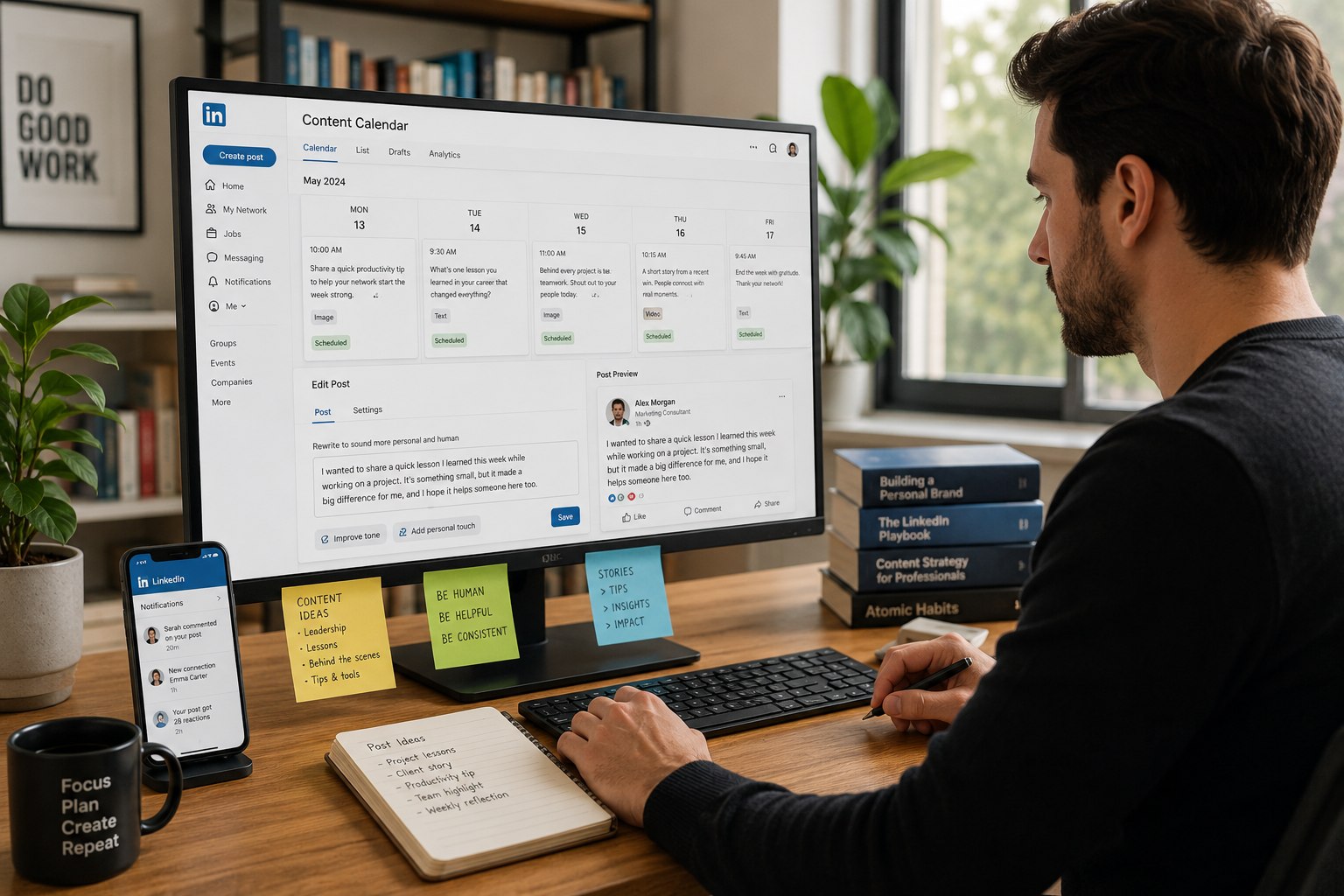
Most people who try to automate LinkedIn posts make the same mistake. They set up a tool, queue up a month of content, and then wonder why engagement dropped. The posts went out on time. The captions were fine. But something felt off and their audience could tell.
Automation isn't the problem. Doing it without a strategy is. Done right, automating your LinkedIn presence saves hours every week and actually improves consistency. Done wrong, it turns your profile into a content graveyard with perfectly scheduled tumbleweeds.
Before You Automate Anything, Understand This
LinkedIn is not Instagram. The algorithm rewards content that starts conversations specific, a little personal, clearly written by someone who actually knows their subject. Generic automated content doesn't just underperform. It actively signals to your audience that nobody's really home.
So before touching any tool, get clear on three things: who you're writing for, what you want them to think after reading, and how often you can realistically publish something worth reading. Everything else builds on that foundation.
Step 1 Build Your Content Foundation First
Trying to automate LinkedIn posts without a content strategy is like batch-cooking dinner without knowing what you're making. The tool can't save you from not knowing what to say.
Spend an hour mapping out your content pillars the three or four themes your LinkedIn presence will consistently cover. A local accountant might post around tax tips, small business finance, and behind-the-scenes practice life. A consultant might focus on leadership, client stories, and industry observations. Once your pillars are defined, content ideas stop feeling like a blank-page problem. They come from a system instead.
Step 2 Choose a Tool That Does More Than Schedule
This is where most people underinvest. They pick the first scheduling tool they find, connect their LinkedIn, and call it done. But the best AI for LinkedIn posts doesn't just push content out on time it helps create content worth pushing out in the first place.
When evaluating tools, the criteria that actually matter aren't always the ones on comparison charts:
What to Evaluate | Why It Actually Matters |
Does it learn your brand voice? | Generic AI sounds like everyone. Brand-trained AI sounds like you. |
Can it generate from your existing materials? | Tools that read your website save hours of briefing time |
Does it preview posts before publishing? | Catching formatting issues before they go live matters |
How much do you still write manually? | If the answer is "most of it," it's a scheduler, not a content tool |
Does it track what's performing? | Posting without feedback is just guessing with extra steps |
Munch Studio hits every one of these. It reads your website, learns your voice, generates complete posts with visuals, previews them before anything goes live, and tracks performance across LinkedIn, Instagram, and Facebook. For anyone serious about AI in social media marketing, it removes the content creation burden rather than just automating delivery.
Step 3 Build a Rhythm You Can Actually Keep
Three posts a week beats seven posts this week and zero next week. LinkedIn rewards accounts that show up consistently over time not accounts that post in frantic bursts and then disappear for a month.
Pick a frequency you can sustain. Two to three times a week is plenty when starting out. Batch and schedule them in one sitting at the start of the week. That's what working like a real LinkedIn content creator looks like treating your profile like a small publication with a schedule, not a place you post when you remember.
Step 4 Keep the Engagement Human
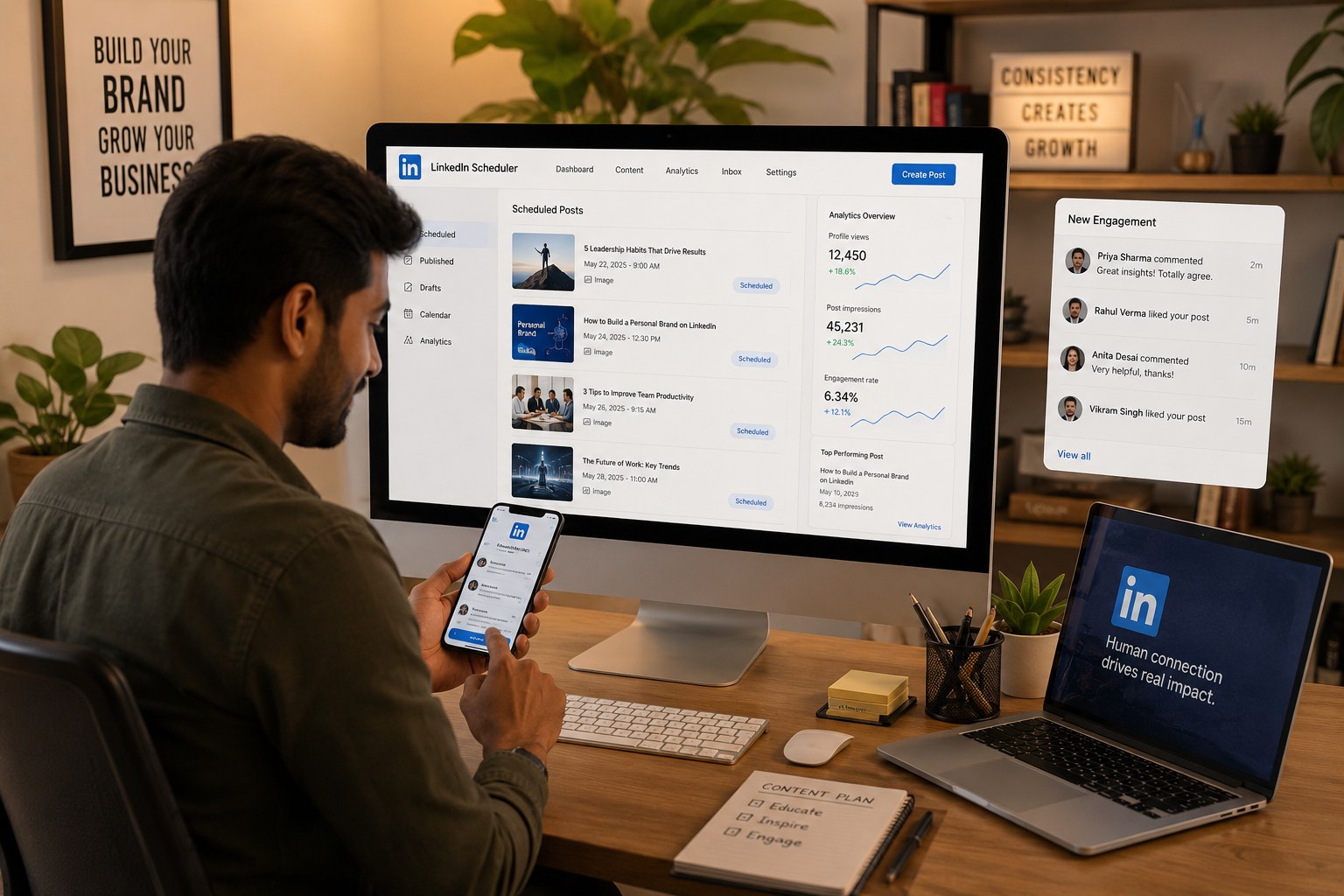
Automating posts is smart. Automating responses is how you quietly kill your reach. When someone comments, LinkedIn's algorithm watches whether you reply. An active thread signals the content is worth showing more people. Block fifteen minutes after each post goes live to respond to early comments. That window matters more than any scheduling trick.
Common Mistakes Worth Avoiding
Posting at the exact same time every day is a subtle signal that content is automated vary your schedule slightly. Copying content word-for-word from Instagram or Facebook without adapting it for LinkedIn almost always falls flat; each platform has its own expectations. And ignoring analytics entirely means repeating what isn't working. Most tools show you what's driving engagement. Use it.

The Bottom Line
Strategy first. Tool second. Consistency third. Engagement fourth and that part always stays human.
The best AI for LinkedIn posts won't replace your point of view. It'll just make sure that point of view shows up reliably, looks professional, and reaches the right people without you spending half your week making it happen. If that's the workflow you've been looking for, munchstudio.com is worth a look.
Most people who try to automate LinkedIn posts make the same mistake. They set up a tool, queue up a month of content, and then wonder why engagement dropped. The posts went out on time. The captions were fine. But something felt off and their audience could tell.
Automation isn't the problem. Doing it without a strategy is. Done right, automating your LinkedIn presence saves hours every week and actually improves consistency. Done wrong, it turns your profile into a content graveyard with perfectly scheduled tumbleweeds.
Before You Automate Anything, Understand This
LinkedIn is not Instagram. The algorithm rewards content that starts conversations specific, a little personal, clearly written by someone who actually knows their subject. Generic automated content doesn't just underperform. It actively signals to your audience that nobody's really home.
So before touching any tool, get clear on three things: who you're writing for, what you want them to think after reading, and how often you can realistically publish something worth reading. Everything else builds on that foundation.
Step 1 Build Your Content Foundation First
Trying to automate LinkedIn posts without a content strategy is like batch-cooking dinner without knowing what you're making. The tool can't save you from not knowing what to say.
Spend an hour mapping out your content pillars the three or four themes your LinkedIn presence will consistently cover. A local accountant might post around tax tips, small business finance, and behind-the-scenes practice life. A consultant might focus on leadership, client stories, and industry observations. Once your pillars are defined, content ideas stop feeling like a blank-page problem. They come from a system instead.
Step 2 Choose a Tool That Does More Than Schedule
This is where most people underinvest. They pick the first scheduling tool they find, connect their LinkedIn, and call it done. But the best AI for LinkedIn posts doesn't just push content out on time it helps create content worth pushing out in the first place.
When evaluating tools, the criteria that actually matter aren't always the ones on comparison charts:
What to Evaluate | Why It Actually Matters |
Does it learn your brand voice? | Generic AI sounds like everyone. Brand-trained AI sounds like you. |
Can it generate from your existing materials? | Tools that read your website save hours of briefing time |
Does it preview posts before publishing? | Catching formatting issues before they go live matters |
How much do you still write manually? | If the answer is "most of it," it's a scheduler, not a content tool |
Does it track what's performing? | Posting without feedback is just guessing with extra steps |
Munch Studio hits every one of these. It reads your website, learns your voice, generates complete posts with visuals, previews them before anything goes live, and tracks performance across LinkedIn, Instagram, and Facebook. For anyone serious about AI in social media marketing, it removes the content creation burden rather than just automating delivery.
Step 3 Build a Rhythm You Can Actually Keep
Three posts a week beats seven posts this week and zero next week. LinkedIn rewards accounts that show up consistently over time not accounts that post in frantic bursts and then disappear for a month.
Pick a frequency you can sustain. Two to three times a week is plenty when starting out. Batch and schedule them in one sitting at the start of the week. That's what working like a real LinkedIn content creator looks like treating your profile like a small publication with a schedule, not a place you post when you remember.
Step 4 Keep the Engagement Human
Automating posts is smart. Automating responses is how you quietly kill your reach. When someone comments, LinkedIn's algorithm watches whether you reply. An active thread signals the content is worth showing more people. Block fifteen minutes after each post goes live to respond to early comments. That window matters more than any scheduling trick.
Common Mistakes Worth Avoiding
Posting at the exact same time every day is a subtle signal that content is automated vary your schedule slightly. Copying content word-for-word from Instagram or Facebook without adapting it for LinkedIn almost always falls flat; each platform has its own expectations. And ignoring analytics entirely means repeating what isn't working. Most tools show you what's driving engagement. Use it.
The Bottom Line
Strategy first. Tool second. Consistency third. Engagement fourth and that part always stays human.
The best AI for LinkedIn posts won't replace your point of view. It'll just make sure that point of view shows up reliably, looks professional, and reaches the right people without you spending half your week making it happen. If that's the workflow you've been looking for, munchstudio.com is worth a look.