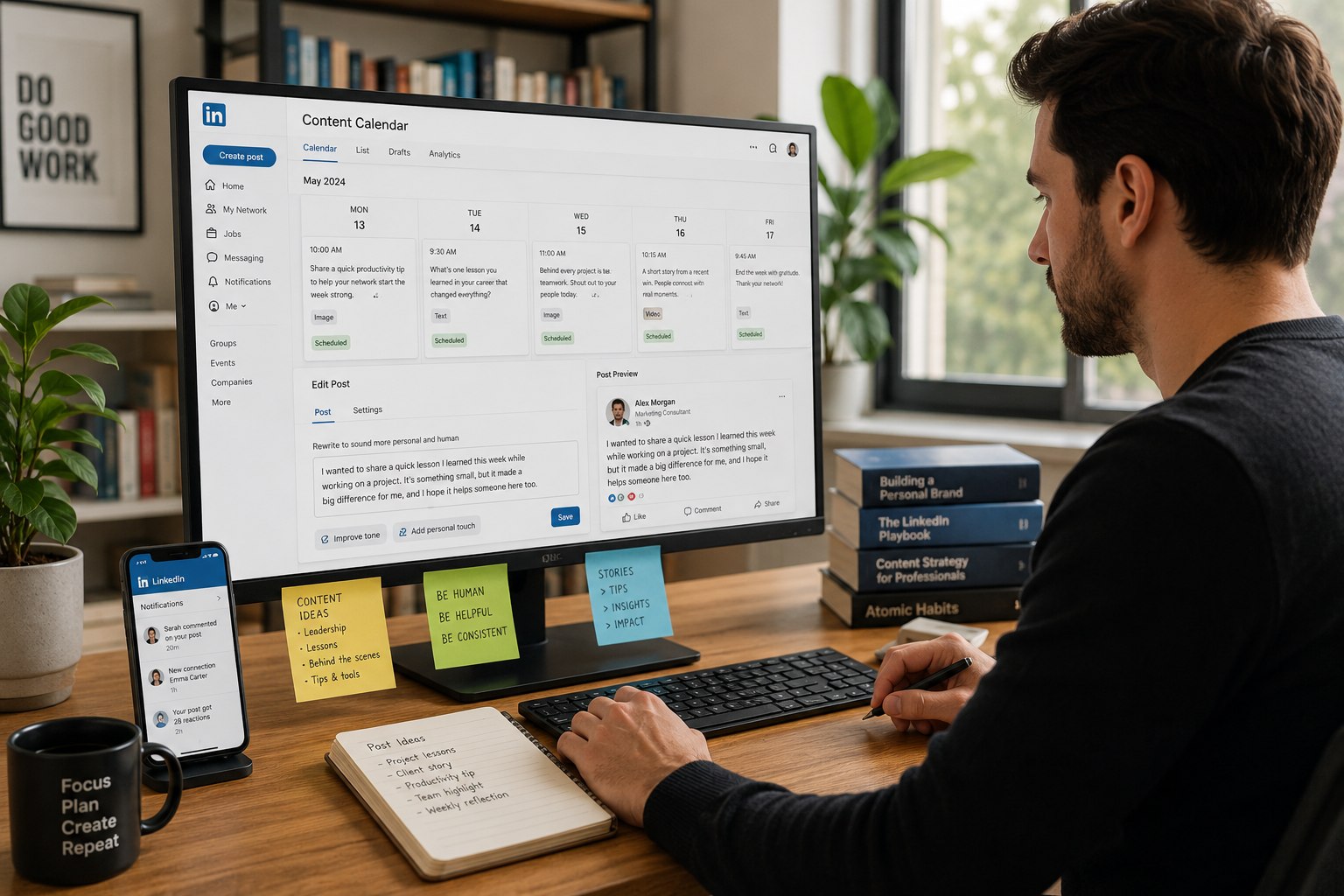
10 min
Team Munch
10 min
Team Munch
How to Schedule Posts Effectively for Consistent Online Presence
How to Schedule Posts Effectively for Consistent Online Presence
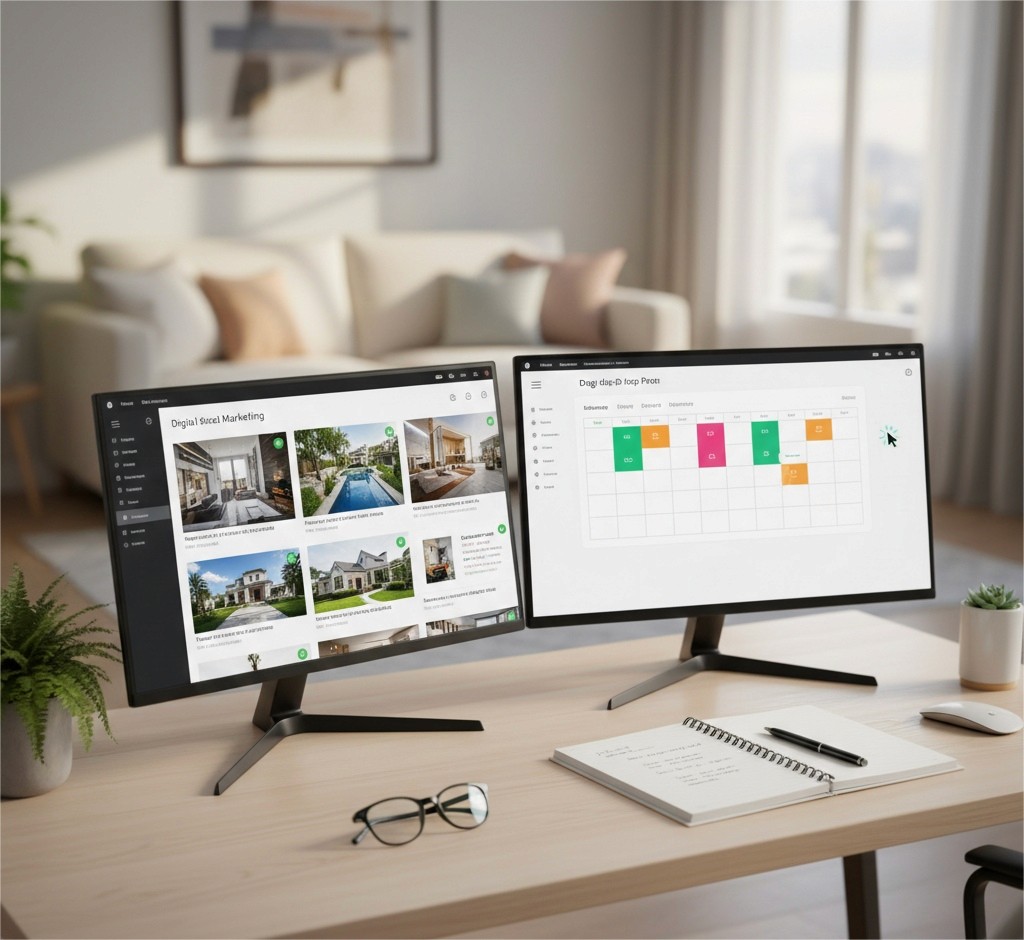
Wondering how to schedule posts to your social networks and blogs? You’re in the right place! Creating a bit of distance between you and your next deadline is a time-honored way to plug your work. You need regular publication in your calendar so that you’re visible, then build trust with your new readers and are likely to meet your long term goals.
Whether you are scheduling for yourself, or working on a brand account from 9 to 5, knowing how to schedule your posts saves you work, and makes you less wretched when you click “post”.
Here’s a quick view of post scheduling, what it’s used for, how to do it, and a group of ‘best practices’ you’ll run into as you go.
What It Means to Schedule Content
To schedule a post means preparing content in advance and setting a specific time for it to be published automatically. This approach allows content creators to maintain consistency even when they are offline.
Post scheduling is used across blogs, social platforms, newsletters, and content management systems. It helps align publishing with audience activity patterns and reduces the risk of missed updates.

Why Scheduling Matters for Content Strategy
A structured schedule posting approach ensures that content reaches audiences at optimal times. It also supports long term planning by allowing creators to map campaigns in advance.
Scheduling improves workflow by reducing repetitive manual tasks. It also allows for batch creation, where multiple pieces of content are produced and scheduled in one session.
How Automated Scheduling Works
Many platforms have built-in scheduling functions; others rely on third-party systems that schedule posts on social media news feeds automatically.
To schedule Facebook posts automatically, the user page is signed up and usually returns to the site, “uploading” content to the site, entering a date and time, and verifying such items for publication. When ready to, the system will publish items for readers without a user having to return to Facebook.
Algorithmic based automation reduces the occurrence of human error and ensures that information rolls automatically.
Choosing a Scheduling Tool for Social Media
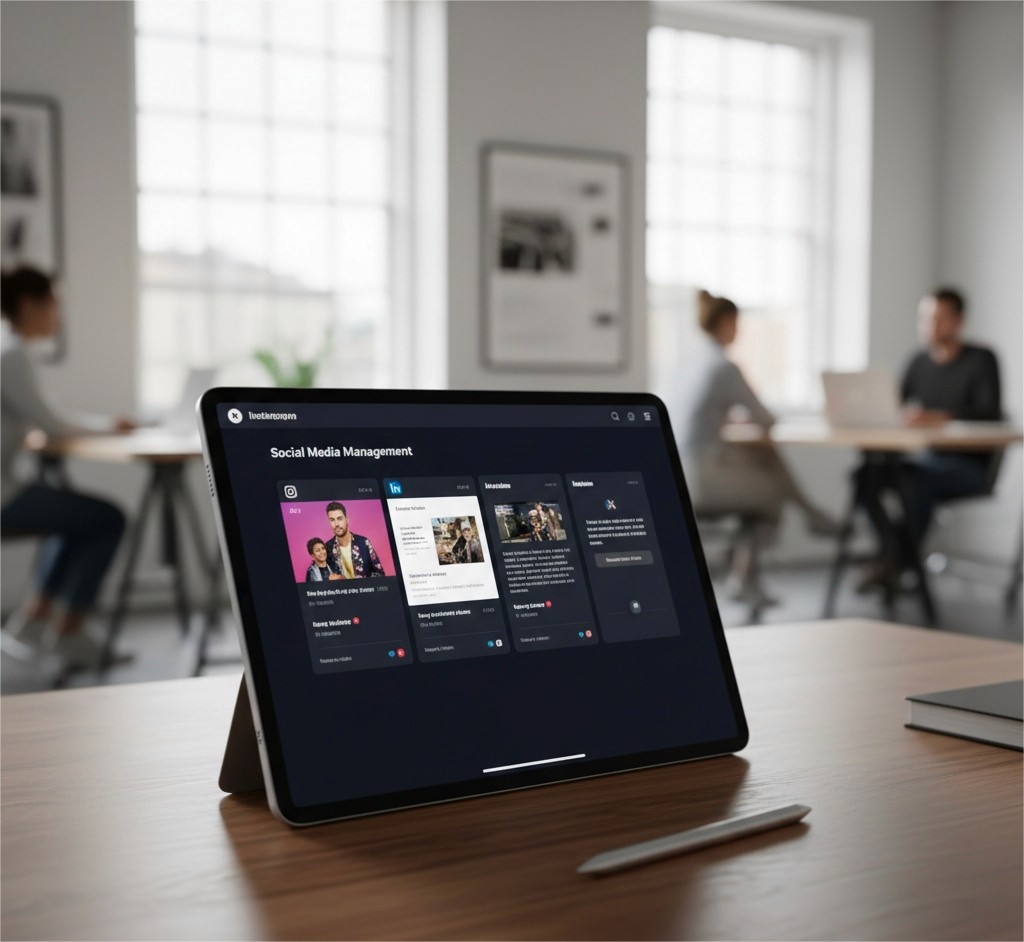
A scheduling tool for social media centralizes where and how content is being planned for marketing in one place. Scheduling tools allow users to manage multiple accounts on different platforms but from the same site.
Look for a scheduling system that allows for multiple platforms, has calendar functionality, can store drafts, gives a draft preview of what it looks like when published, and accesses the analytics system.
The appropriate one selected depends on how much volume a user creates and how many people are working on it, according to the workflow design of that team.
Strategic Overview of Scheduling Approaches
Approach Type | Purpose | Primary Benefit |
Manual Publishing | Real time updates | Immediate control |
Automated Scheduling | Pre planned posting | Time efficiency |
Batch Scheduling | Content grouping | Reduced workload |
Calendar Mapping | Long term planning | Campaign clarity |
This table highlights how different scheduling approaches serve different operational needs.
Best Practices for Effective Scheduling
Learning how to schedule posts that work for the best fit has more to do with understanding the behavior of the audience, the relevance of the content, and attempting to align with social norms.
Best practices Include
Knowing when your audience is active
Keeping to your overall tone
Proofreading everything before it appears online
Not posting too much in a day
When users learn how to schedule posting responsibly, they do not bombard followers with too much content.
Avoiding Common Scheduling Mistakes
Some usual mistakes are setting too high a frequency of posts or failing to observe time zones; make it a habit to check your scheduled post out and make any changes on the day it is due to appear.
Thinking about the mistakes made when some social media users miss adding scheduled posts to sensitive occasions. A regular scan of what is in your queue may save you from making a mistake.

Adapting Schedules Across Platforms
Each social platform has its own quirks. Content that works for a blog post does not necessarily work on social media.
When you schedule posts on social media, think about length, what visual format to use, and when your followers like to see that content. You may need to post more short form content in a single day than longer articles.
Flexibility is important, and you will want to reshape your submissions based on what performance reveals.
Conclusion
You will improve your workflow and learn how to schedule posts if you have a smart way to do it, and a concept of how to manage scheduling appropriately.
Now you work with a good scheduling tool for social media; learn how to schedule a post. And with practice schedule posting, you increase visibility without adding to the workload of your team when you learn how to schedule a post!
Schedule posts on social media becomes easier; meet with post scheduling on social media to develop, and schedule posts on social media when you use a better tool.
Wondering how to schedule posts to your social networks and blogs? You’re in the right place! Creating a bit of distance between you and your next deadline is a time-honored way to plug your work. You need regular publication in your calendar so that you’re visible, then build trust with your new readers and are likely to meet your long term goals.
Whether you are scheduling for yourself, or working on a brand account from 9 to 5, knowing how to schedule your posts saves you work, and makes you less wretched when you click “post”.
Here’s a quick view of post scheduling, what it’s used for, how to do it, and a group of ‘best practices’ you’ll run into as you go.
What It Means to Schedule Content
To schedule a post means preparing content in advance and setting a specific time for it to be published automatically. This approach allows content creators to maintain consistency even when they are offline.
Post scheduling is used across blogs, social platforms, newsletters, and content management systems. It helps align publishing with audience activity patterns and reduces the risk of missed updates.
Why Scheduling Matters for Content Strategy
A structured schedule posting approach ensures that content reaches audiences at optimal times. It also supports long term planning by allowing creators to map campaigns in advance.
Scheduling improves workflow by reducing repetitive manual tasks. It also allows for batch creation, where multiple pieces of content are produced and scheduled in one session.
How Automated Scheduling Works
Many platforms have built-in scheduling functions; others rely on third-party systems that schedule posts on social media news feeds automatically.
To schedule Facebook posts automatically, the user page is signed up and usually returns to the site, “uploading” content to the site, entering a date and time, and verifying such items for publication. When ready to, the system will publish items for readers without a user having to return to Facebook.
Algorithmic based automation reduces the occurrence of human error and ensures that information rolls automatically.
Choosing a Scheduling Tool for Social Media
A scheduling tool for social media centralizes where and how content is being planned for marketing in one place. Scheduling tools allow users to manage multiple accounts on different platforms but from the same site.
Look for a scheduling system that allows for multiple platforms, has calendar functionality, can store drafts, gives a draft preview of what it looks like when published, and accesses the analytics system.
The appropriate one selected depends on how much volume a user creates and how many people are working on it, according to the workflow design of that team.
Strategic Overview of Scheduling Approaches
Approach Type | Purpose | Primary Benefit |
Manual Publishing | Real time updates | Immediate control |
Automated Scheduling | Pre planned posting | Time efficiency |
Batch Scheduling | Content grouping | Reduced workload |
Calendar Mapping | Long term planning | Campaign clarity |
This table highlights how different scheduling approaches serve different operational needs.
Best Practices for Effective Scheduling
Learning how to schedule posts that work for the best fit has more to do with understanding the behavior of the audience, the relevance of the content, and attempting to align with social norms.
Best practices Include
Knowing when your audience is active
Keeping to your overall tone
Proofreading everything before it appears online
Not posting too much in a day
When users learn how to schedule posting responsibly, they do not bombard followers with too much content.
Avoiding Common Scheduling Mistakes
Some usual mistakes are setting too high a frequency of posts or failing to observe time zones; make it a habit to check your scheduled post out and make any changes on the day it is due to appear.
Thinking about the mistakes made when some social media users miss adding scheduled posts to sensitive occasions. A regular scan of what is in your queue may save you from making a mistake.
Adapting Schedules Across Platforms
Each social platform has its own quirks. Content that works for a blog post does not necessarily work on social media.
When you schedule posts on social media, think about length, what visual format to use, and when your followers like to see that content. You may need to post more short form content in a single day than longer articles.
Flexibility is important, and you will want to reshape your submissions based on what performance reveals.
Conclusion
You will improve your workflow and learn how to schedule posts if you have a smart way to do it, and a concept of how to manage scheduling appropriately.
Now you work with a good scheduling tool for social media; learn how to schedule a post. And with practice schedule posting, you increase visibility without adding to the workload of your team when you learn how to schedule a post!
Schedule posts on social media becomes easier; meet with post scheduling on social media to develop, and schedule posts on social media when you use a better tool.